Key Links
Resources
3D Print Requests
Digital Labs
Digital Commons and Computer Classroom Hours
The Digital Commons (235) is open 24/7 during the semester. The Computer Classrooms (224, 228, 229) are also available 24/7 outside of scheduled class time.
Digital Output Lab Hours
- Monday–Thursday: 8:30am–10pm
- Friday: 8:30am–4pm
- Saturday: 1pm-5pm
- Sunday: 1pm–10pm
Service Desk Hours (Appointments & Walk-Ups)
- Monday: 1pm-4pm
- Tuesday: 1pm-4pm
- Wednesday: closed
- Thursday: 10am-1pm
- Friday: 1pm-4pm
- Saturday: closed
- Sunday: closed
You can Submit a Job to the Standby Queue anytime!
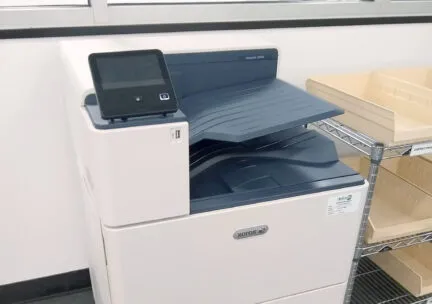
Xerox Laser printing on letter and tabloid sized paper
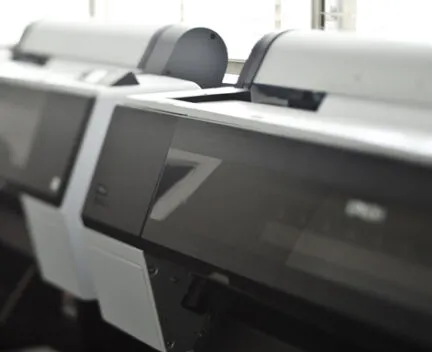
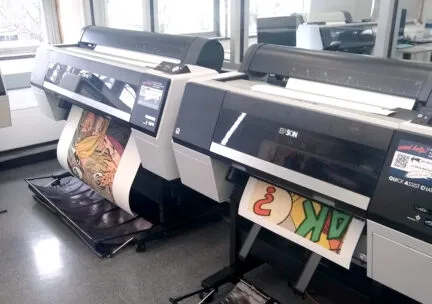
Large format Epson Inkjet printing up to 44″ wide
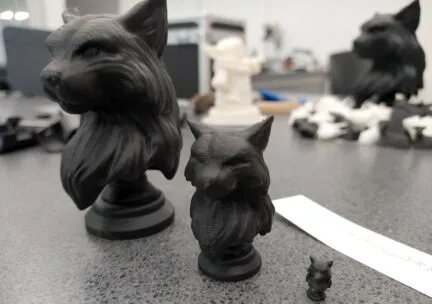
Zortrax (FFF) and Form 2 (SLA) 3D printing
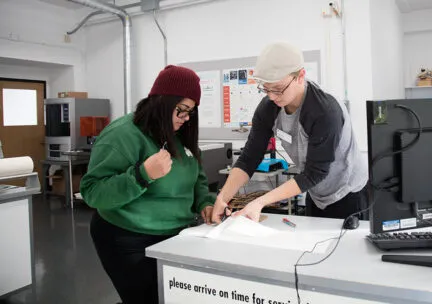
Laser Cutting and Vinyl Printing/Cutting in consultation with the Service Desk Lab Assistant
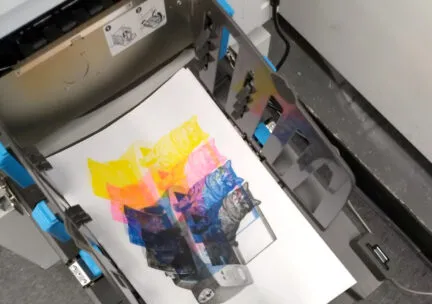
Risograph digital duplicating on tabloid sized paper
Print Charge Refunds for Laser and Inkjet Printing
Print output charges in the A&D Labs are billed to your student account on a monthly basis.
Print refunds will only be granted when a printer has malfunctioned or output has not appeared after 24 hours. All refund requests must be made via the Print Refund Request form within 3 days of making the print. Bad prints must be turned in to the Digital Output Support Lab Assistant in 235A at the time of request in order to be eligible for a refund. Staff will contact you with an explanation if a refund request is denied.
Common examples of eligible refund requests:
- Incomplete print due to end of paper roll
- Poor quality output due to nozzle clogs or headstrikes
- Print does not print (within 24 hours)
- Defects in paper from the manufacturer
Examples of NON-eligible refund requests:
- Print is damaged after output
- Print sent to wrong printer or queue
- Improper formatting or job settings
- Print takes longer than you want due to queue of other print jobs
- Failed print is not given to Lab Assistant